8 apps that can help you cut your food bill


NEWYou can now listen to Fox News articles!
Food prices have a way of sneaking up on you. One week, your usual grocery run feels normal. The next week, a few basics suddenly cost a lot more than you expected.
That is why money-saving food apps are worth a closer look. All of these apps are free to download or sign up for, but you still pay for any food, groceries or purchases you make through them.
Some help you find discounted groceries before stores toss them. Others connect you with surprise meals, receipt rewards, free local listings or recipes based on what you already have at home.
The trick is knowing which app fits the way you actually shop. Here are eight apps that can help you stretch your food budget, reduce waste and maybe make your next receipt feel a little less painful.
10 THINGS TO STOP PAYING FOR TO SAVE MONEY NOW
Food savings apps can help shoppers find discounted groceries, restaurant meals, receipt rewards and free local food listings. (iStock)
Join CyberGuy Live: Lock Down Your Phone in 30 Minutes (Saturday, June 13, 10 am ET)
- Your phone holds your email, passwords, photos, banking apps and personal data. In this free, live online class, Kurt the CyberGuy will walk you step by step through simple phone security fixes you can do in real time. You’ll learn how to improve your privacy settings, spot the latest phone scams, use trusted security tools and walk away with a simple checklist to stay protected. Register here: CyberGuyLive.com
1) Flashfood
Flashfood helps you find discounted groceries from participating stores near you. The app focuses on food that is still good but getting close to its best-by date. You browse local deals in the app, pay through the app and pick up your order in the store. Flashfood says shoppers can find grocery deals for up to 50% off. That can include produce, meat, dairy, pantry items and other staples, depending on what stores near you have available.
- Best for: Discounted grocery pickup.
- How you save: Buy marked-down groceries from participating stores before they go to waste.
- Good to know: Availability depends on participating stores near you.
2) Misfits Market
Misfits Market delivers groceries to your door. The company says it offers high-quality rescued foods and lets you choose what goes in your order. After signing up, you receive a weekly shopping window. You can review your cart, remove items, add groceries and skip orders when needed. This can work well if you want grocery delivery and like the idea of reducing food waste at the same time. Misfits Market says there are no subscription fees or order obligations. You can skip, pause or cancel.
- Best for: Grocery delivery with rescued food.
- How you save: Order discounted groceries, including rescued or excess food, delivered to your door.
- Good to know: Delivery depends on your ZIP code. Misfits Market says it serves nearly every ZIP code in the contiguous U.S., with limited service in select areas.
Misfits Market lets you customize grocery deliveries with rescued or excess food that may cost less than traditional shopping.
3) Too Good To Go
Too Good To Go helps you buy surplus food from nearby restaurants, bakeries, cafes and stores. The app uses “Surprise Bags,” which means you usually know the type of food and pickup window, but not every exact item inside. That surprise part can be fun, especially if you like trying local spots. It can also be less ideal if you need a very specific dinner plan. Too Good To Go says users can save and enjoy food at half price or less.
- Best for: Discounted restaurant and bakery food.
- How you save: Buy discounted Surprise Bags from local restaurants, bakeries, cafes and stores.
HEALTH-CONSCIOUS AMERICANS EMBRACE YUKA APP TO GUIDE GROCERY SHOPPING CHOICES
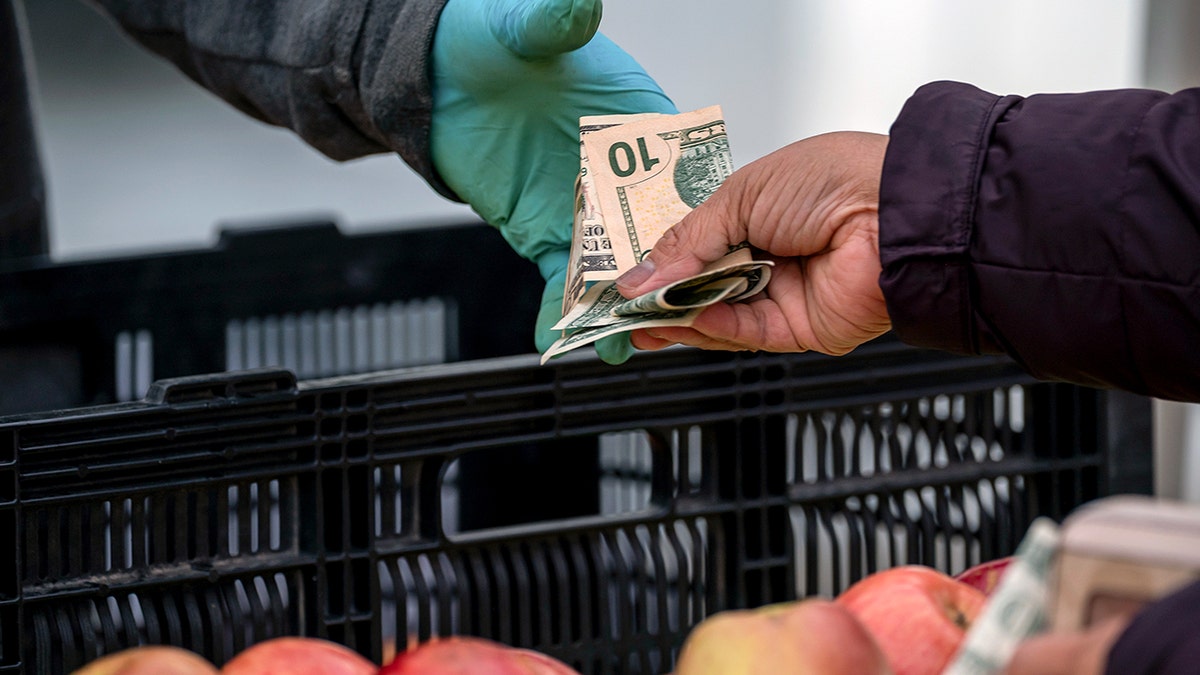
Food savings apps work best when they match how you already shop, pick up food, save receipts or plan meals. (David Paul Morris/Bloomberg via Getty Images)
4) Olio
Olio connects people locally so they can give away food and other useful items. The app says you can browse free food from local shops and neighbors. You may also find books, toys, toiletries and household items. This one feels more community-based than a regular coupon app. It can be especially helpful if you live in an active area where neighbors and local shops often post.
- Best for: Free local food and household items.
- How you save: Find free food and household items shared by neighbors or local businesses.
- Good to know: Results depend heavily on your local community.
5) SuperCook
SuperCook helps you turn the food already in your kitchen into meals. You enter the ingredients you have at home, and the app suggests recipes you can make. That can save money in a different way. Instead of buying more groceries, you may find a way to use the half bag of rice, frozen vegetables or canned beans you already paid for.
- Best for: Using up food you already have.
- How you save: Turn ingredients you already have into meals, so you can avoid another grocery run.
- Good to know: This one does not give cash back. It helps you avoid extra spending and food waste.
6) Ibotta
Ibotta gives you cash back on eligible purchases. Before you shop, you add cash-back offers in the app. After shopping in-store, you submit your receipt. Ibotta says you can withdraw earnings once you reach $20. It’s great because it can work with groceries and other everyday purchases. The key is remembering to add offers before you shop and submit your receipt after.
- Best for: Grocery cash back.
- How you save: Earn cash back on eligible grocery and everyday purchases after you submit receipts.
- Good to know: You need to match the right offers and follow the redemption steps.
7) Fetch
Fetch turns receipts into points. You shop, snap receipts and earn points that can be redeemed for gift cards. Fetch says you can earn points from in-store or online shopping, plus offers from participating brands. This app can be simple because you do not always need to pick offers before you shop. Still, special offers can help you earn more points.
- Best for: Turning receipts into gift cards.
- How you save: Snap receipts to earn points you can redeem for gift cards.
- Good to know: Points vary by receipt, brands and offers.
Fetch turns receipts into points you can redeem for gift cards from popular retailers.(Kurt “CyberGuy” Knutsson)
10 TECH UPGRADES TO SAVE YOUR TIME, PRIVACY AND MONEY
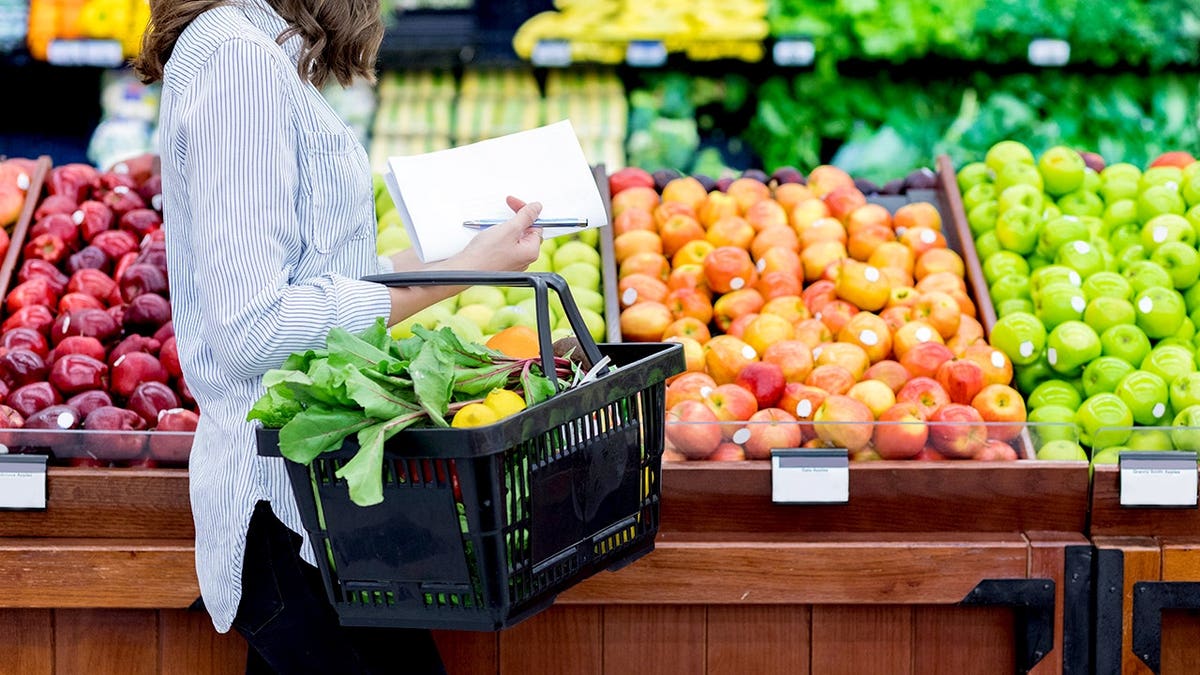
Receipt rewards apps such as Ibotta, Fetch and Upside can help shoppers earn cash back or gift cards on eligible purchases. (SDI Productions/Getty Images)
8) Upside
Upside is best known for gas savings, but it can also work for groceries and restaurants where offers are available. You open the app, claim a cash-back offer near you, shop as usual and pay with a credit or debit card.
- Best for: Cash back on groceries, gas and dining.
- How you save: Claim cash-back offers on gas, groceries and restaurants at participating locations.
- Good to know: Grocery and restaurant offers depend on participating locations near you.
For direct links to each app and any available CyberGuy savings codes, visit CyberGuy.com and search “8 apps that can help you cut your food bill.”
Which app should you try first?
Start with the app that fits your normal routine. If you already shop at grocery stores in person, try Flashfood or Ibotta. If you save receipts anyway, Fetch is an easy add-on. If you order groceries online, Misfits Market may be worth checking. If you like trying local food, Too Good To Go can be a fun way to save. If your fridge is full but dinner still feels impossible, SuperCook may help you avoid another grocery run. For gas and food cash back in one place, Upside deserves a look. For free local food and community sharing, Olio may surprise you, depending on where you live.
A few smart tips before using food savings apps
Before you download every app on this list, take a moment to think about your habits. First, check whether the app works in your area. Some apps depend on local stores, restaurants or community activity. If there are no nearby offers, the app may not help much yet.
Next, watch pickup windows. Apps like Flashfood and Too Good To Go can save you money, but they also require timing. If you miss the pickup, you may lose the deal. Also, avoid buying food only because it looks cheap. A discounted item saves money only if you actually use it. Finally, read the app’s privacy settings. These apps often work through location, receipts, purchases and rewards accounts. Use only the permissions you feel comfortable sharing.
Kurt’s key takeaways
Food savings apps can help, but they work best when they match your real life. Flashfood and Too Good To Go are great for deal hunters who can pick up food nearby. Misfits Market works better for people who want groceries delivered. Ibotta, Fetch and Upside can help you earn something back from purchases you already make. SuperCook and Olio come at savings from a different angle. One helps you use what you already bought. The other connects you with local people and shops that share food and useful items. The biggest takeaway? Do not let the app make you spend more. Use it as a tool, not a temptation.
CLICK HERE TO DOWNLOAD THE FOX NEWS APP
Would you try an app that sells surprise food bags, or do you want to know exactly what you are getting before you pay? Let us know by writing to us at Cyberguy.com
Sign up for my FREE CyberGuy Report
- Get my best tech tips, urgent security alerts and exclusive deals delivered straight to your inbox.
- For simple, real-world ways to spot scams early and stay protected, visit CyberGuy.com – trusted by millions who watch CyberGuy on TV daily.
- Plus, you’ll get instant access to my Ultimate Scam Survival Guide free when you join.
Copyright 2026 CyberGuy.com. All rights reserved.
More stories